Invoice stamp designs for sample invoices and mockups.
Choose a PAID seal, a past-due notice or an approved-for-payment box for invoice templates, mockups, presentations and design samples. Edit the business name and the lines you need; a transparent PNG drops into a layout without a white box behind it. A stamp image does not show that a payment was made.
 YOUR WORDS. YOUR MARK.
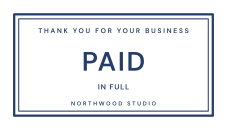
Paid in Full
A decorative mark for sample invoices and mockups.
Customize this stamp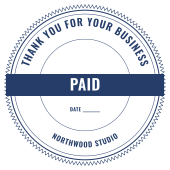
Paid Seal
A serrated round PAID seal with a date line.
Customize this stamp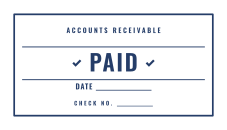
Paid with Date
PAID with date and check-number lines.
Customize this stamp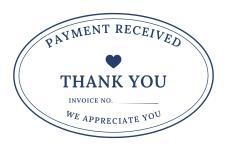
Payment Received
A warm oval thank-you design for sample invoices.
Customize this stamp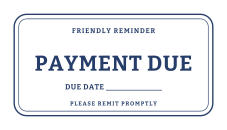
Payment Due
A friendly reminder with a due-date line.
Customize this stamp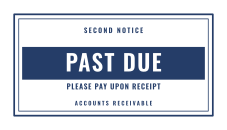
Past Due
A knockout PAST DUE banner for invoice mockups.
Customize this stamp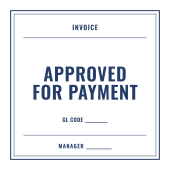
Approved for Payment
An accounts-payable style square for sample forms.
Customize this stamp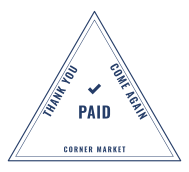
Corner Market Paid
A triangle PAID mark for a friendly shop.
Customize this stamp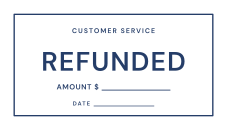
Refunded
A customer-service stamp with amount and date.
Customize this stamp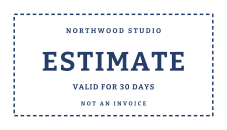
Estimate
A dashed ESTIMATE mark that is clearly not a bill.
Customize this stampWhat to include
- Put the status word first; keep dates and references secondary.
- Add SAMPLE or DEMO to a detail line when a mockup could be mistaken for a real invoice.
- Red or dark red ink stands out in print; blue stays calm on screen.
Common questions
Can I use a PAID stamp design in an invoice template?
Yes, for sample invoices, mockups and demonstrations. Download the transparent PNG and place it as an image in your layout. StampLoom does not edit uploaded PDFs.
Does the stamp prove that a payment was received?
No. It is a visual label only and must never be presented as proof of payment.