Office-style stamp designs with real writing lines.
Design office-style status stamps for mockups, presentations, templates and clearly labeled training samples. Type two or more underscores and the editor draws one continuous writing line, so DATE ______ or SIGNED ______ looks right on a sample form. These designs are visual artwork; they do not record, approve or verify anything.
 YOUR WORDS. YOUR MARK.
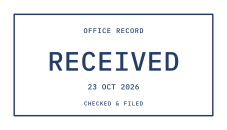
Received
A tidy date stamp with room for a note.
Customize this stamp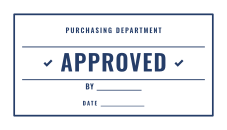
Approved with Date
APPROVED with signature and date lines.
Customize this stamp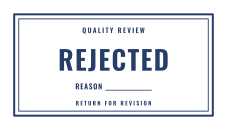
Rejected
A clear REJECTED mark with room for a reason.
Customize this stamp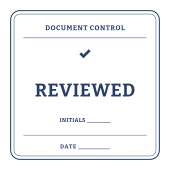
Reviewed
A rounded-corner review stamp with initials.
Customize this stamp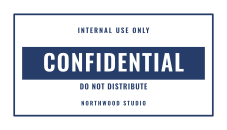
Confidential
A knockout CONFIDENTIAL banner for document mockups.
Customize this stamp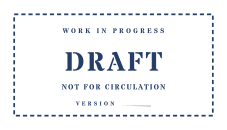
Draft
A dashed stencil mark for work in progress.
Customize this stamp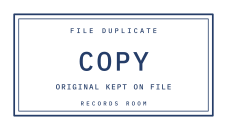
Copy
A typewriter COPY mark for sample files.
Customize this stamp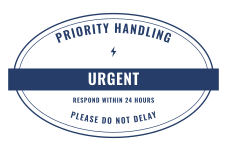
Urgent
A knockout URGENT oval for office mockups.
Customize this stamp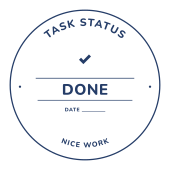
Done!
A friendly completed-task seal.
Customize this stamp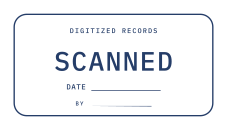
Scanned
A SCANNED design with date and initials lines.
Customize this stamp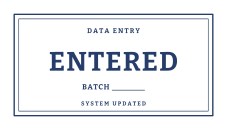
Entered
A data-entry mark with a batch line.
Customize this stamp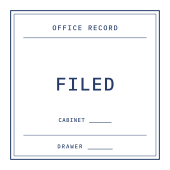
Filed
A square filing stamp with cabinet and drawer.
Customize this stamp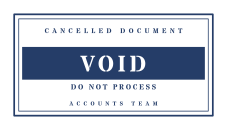
Void
A stencil VOID banner for sample documents.
Customize this stamp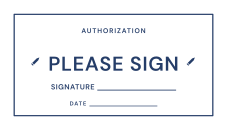
Please Sign
A signature and date box for sample forms.
Customize this stamp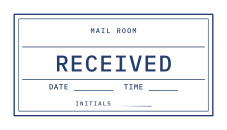
Mail Room
RECEIVED with date, time and initials.
Customize this stampWhat to include
- Keep the status word short and large: APPROVED, REVIEWED, FILED.
- Add writing lines where a sample form shows a date, initials or batch number.
- Label demonstrations clearly, for example with SAMPLE in the detail line, wherever someone could mistake them for a real record.
Common questions
How do I add a date or signature line?
Type two or more underscores in a straight text field, for example DATE ________. StampLoom replaces them with one solid line at the right height for handwriting.
Does an APPROVED stamp make a document official?
No. These are visual labels for your own records. They do not verify approval, identity or legal authority.